
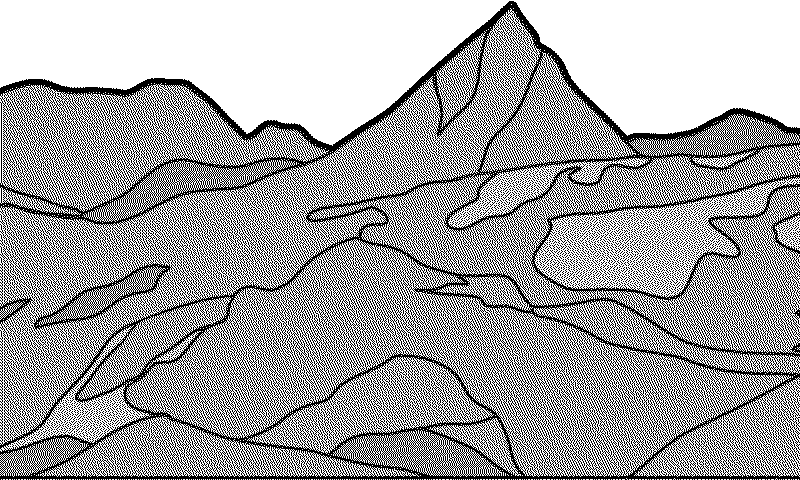
A photo frame
A photo becomes black and white dots, spaced so its greys survive. Try one of yours: it is converted in your browser and never leaves it.
Send a photo from a computer at home, and the frame shows it.
Make it yours
The frame shows whatever 800 × 480 black and white picture a small program prepares for it. That program can be ours, yours, or one an AI assistant writes for you.
screen = Panel(800, 480)
screen.title("Departures")
for bus in next_buses(stop, 3):
    screen.row(bus.line, bus.to, bus.min)
screen.send()API keys and personal data stay on a computer at home, not on the frame.
Try it
A photo becomes black and white dots, spaced so its greys survive. Try one of yours: it is converted in your browser and never leaves it.
Send a photo from a computer at home, and the frame shows it.
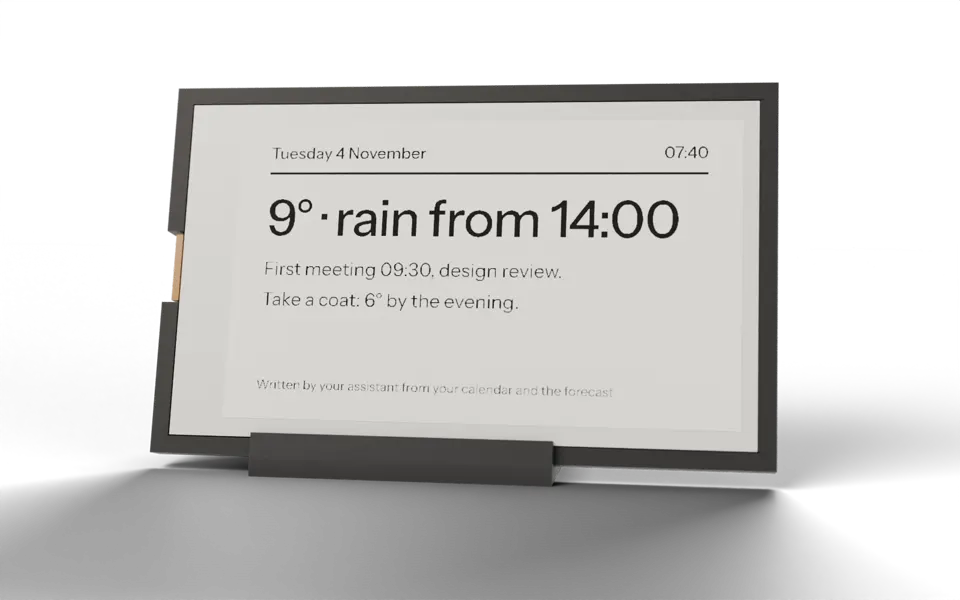
Tuesday 4 November07:40
9° · rain from 14:00
First meeting 09:30, design review.
Take a coat: 6° by the evening.
Leaving home08:12
Bus 5 in 7 min
To Västra Hamnen. The next one is in 19 min.
Rain from 14:00.
This evening21:05
Tomorrow 08:15, dentist
Bins out tonight.
4° overnight.
Ask in plain words for what the frame should show. An AI assistant on a computer at home gathers it from sources you choose, writes it short and lays it out; the frame fetches the picture as it fetches a painting.
The art itself is never AI: it stays the credited open-source generators.
How the art moves
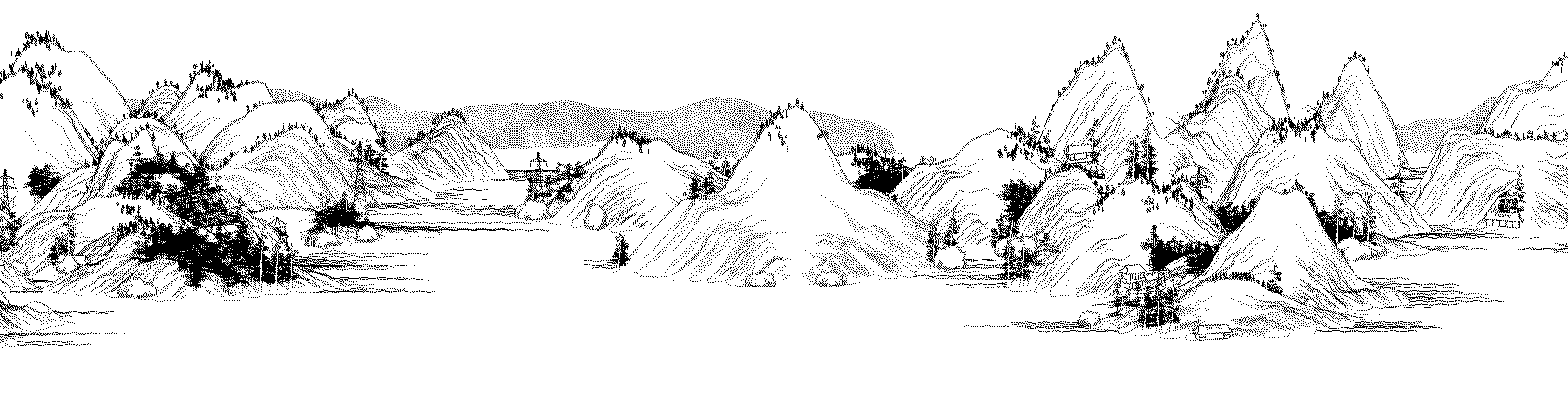
Scroll mode moves the panel's 800 px view along a 1 800 px painting. Card mode puts one whole bird or fish on screen.
The bench tool, rebuilt
Speed, time and count are calculated: the 800 px window crosses 1 000 px of the 1 800 px painting; a full refresh counts as 2.6 s (measured 2.4–2.8 s).
Battery: 26 h from a full charge in live mode, Wi-Fi always on (measured). Wall-mode life is not measured.
Your own data
Trafiklab’s Timetables API covers Skånetrafiken real-time and static data. A small program at home can look up a stop, ask for its next departures and draw the chosen lines for the screen. The API gives a 60-minute departure window and caches answers for 60 seconds.
The data firmware on the prototype sleeps 30 minutes between updates, too slow for a departure board. A shorter schedule needs API quota checks and battery measurements first. A key is required and stays on the computer at home; the screen credits the data, for example “Data from Trafiklab.se” (CC BY 4.0).
The frame
Specs, limits, what is inside, and the first batch.